Your screen,as context.
Claude, Codex, Cursor and any MCP client can search what you have captured — the screenshots, the text in them, their links and transcripts. It runs on your Mac, and you choose what they see.
Works with the tools you already ask.
One server, on your Mac. Every tool that speaks MCP connects to it with a token of its own, and gets only what you allow.
- Claude Code
 Codex
Codex- Cursor
- Gemini
- any MCP client
claude — ~/notes
Find the screenshot of the S&P chart I took this morning. What did it close at?
cappture · search_captures (MCP)(text: "S&P 500", taken: "today")
cappture · get_capture (MCP)(capture: "S&P close")
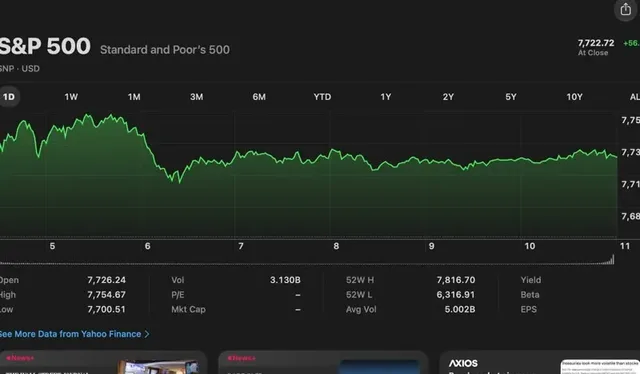
screenshot · today 09:41
It closed at 7,722.72, after trading between 7,700.51 and 7,754.67 — from your screenshot “S&P close”, taken at 09:41.
cappture · 127.0.0.1:7429 · 2 requests, both allowed
Ask, and watch it look.
Pick a question. Your tool asks Cappture for what it needs — a search, then the text, the links or the transcript — and answers from it.
- 1Your tool asks
- 2Cappture answers, on your Mac
- 3Every request is logged
A simulation of a real session
Cappture on your Mac · 127.0.0.1 · waiting for a request
Find the screenshot of the S&P chart I took this morning, and tell me what it shows.
Set up in a minute.
Cappture writes the setup for each tool, token and all. You paste it once.
- 1
Turn it on
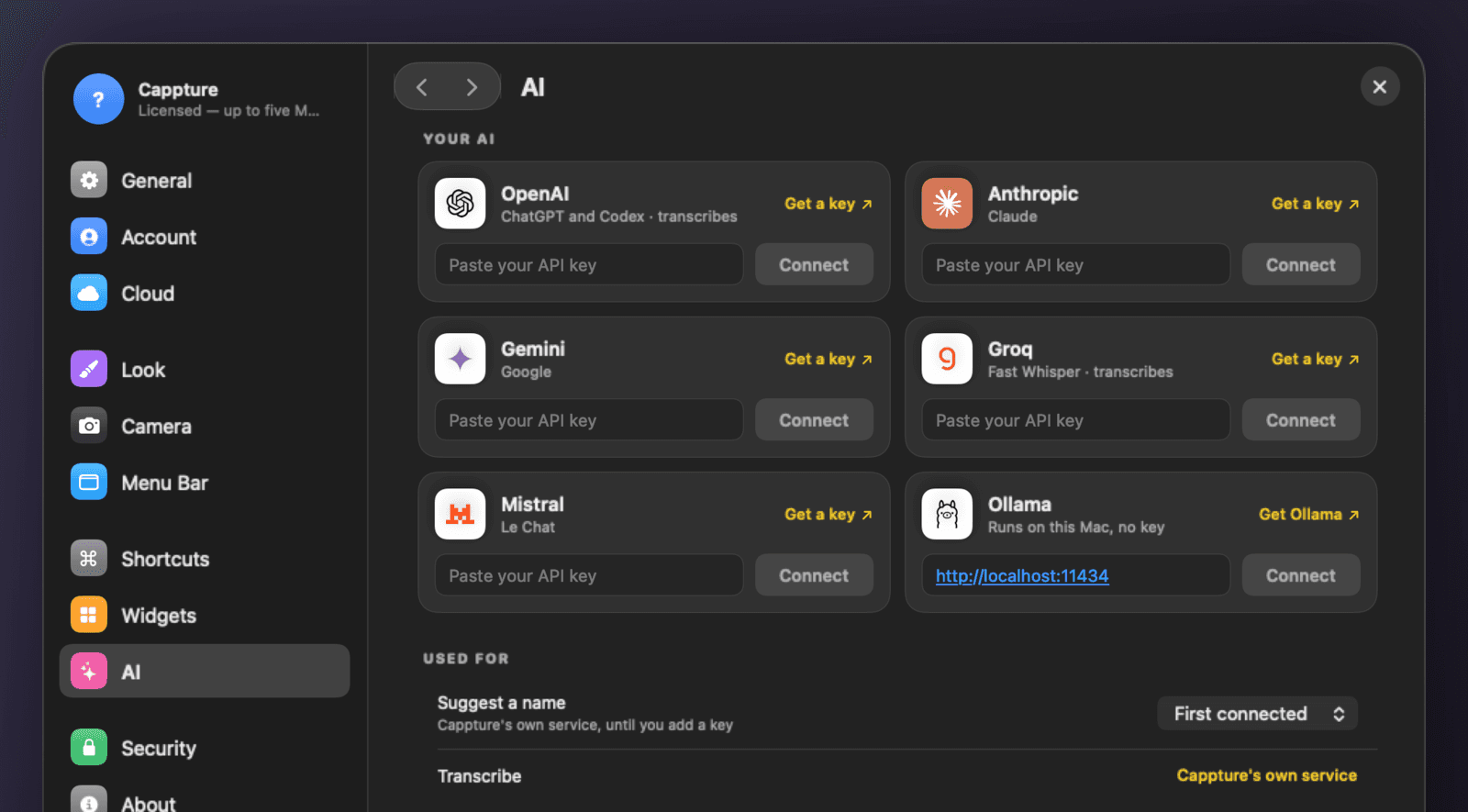
Cappture › Settings › AI. It is off until you turn it on, and it listens only on your Mac.
- 2
Connect your tool
Choose Claude Code, Cursor, Codex or another app. Its setup is copied, with a token for that app alone.
- 3
Paste, then ask
Paste it where your tool keeps its MCP servers, and ask about anything you have captured.
In Terminal
claude mcp add --transport http cappture http://127.0.0.1:7429/mcp --header "Authorization: Bearer <your token>"- server
- 127.0.0.1:7429/mcp
- transport
- Streamable HTTP
- auth
- Bearer token, one per app
Then, in Claude Code
Find the screenshot of the chart I took this morning.
In Cappture, Settings › AI › Connect makes this for you, with your own token in place of <your token>.
You decide what it sees.
By kind of capture and by tool. The server answers only on your Mac, only the apps you connect — each with its own token — and logs every request.
- Off until you turn it on
- Answers on 127.0.0.1, this Mac only
- A token per app — remove one any time
- Every request logged
Six requests, each plain about what it reads.
Nothing writes to your library except adding a capture to a pinboard.
search_capturesFind captures by name, the text in them, their transcript, or when they were taken.
get_captureOpen one capture — the picture, or a recording's first frame — with its details.
get_textThe text read from a capture, on your Mac.
get_linksEvery link in a capture, or in a set of them.
get_transcriptWhat was said in a recording, once it has been transcribed in Cappture.
pinboardsList your pinboards, and add a capture to one.
Questions.
Something else? Ask us.
01Does this send my captures to you?
No. The server runs on your Mac, at 127.0.0.1. Your AI tool asks it directly; nothing passes through us.
02What does my AI tool get to see?
Only what you allow, by kind of capture — camera photos and videos are off until you turn them on. Each request is logged in Cappture, and you can disconnect any tool at any time.
03Which AI tools work?
Any that speak the Model Context Protocol over Streamable HTTP: Claude Code, Cursor and Codex among them.
04How does a tool connect, and how do I disconnect it?
With a token of its own: Settings › AI › Connect an App copies the setup for that app. Remove it there and its token stops working.
05Which version has it?
Cappture 2.38 and later. Update from the Cappture menu.